F999 Login Troubleshooting: Fix App Crashes & Connection Errors
Having trouble logging in or launching the F999 app? Follow our verified technical solutions to resolve app crashes, network timeouts, white screens, and SMS OTP delays.
- Step-by-step fixes for app crashes, white screens, and loading freezes.
- Proven methods to resolve SMS OTP delays on Bangladeshi mobile networks.
- Guidance on bypassing ISP domain blocking using verified official mirror links.
- 24/7 access to native Bengali technical support specialists via live chat.
Resolving App Crashes & White Screen Freezes
Occasionally, mobile applications can experience crashes or display a blank white screen upon launch. In over 90% of cases, this issue is caused by corrupted temporary cache files stored on your device, an incomplete background update, or insufficient available RAM memory.
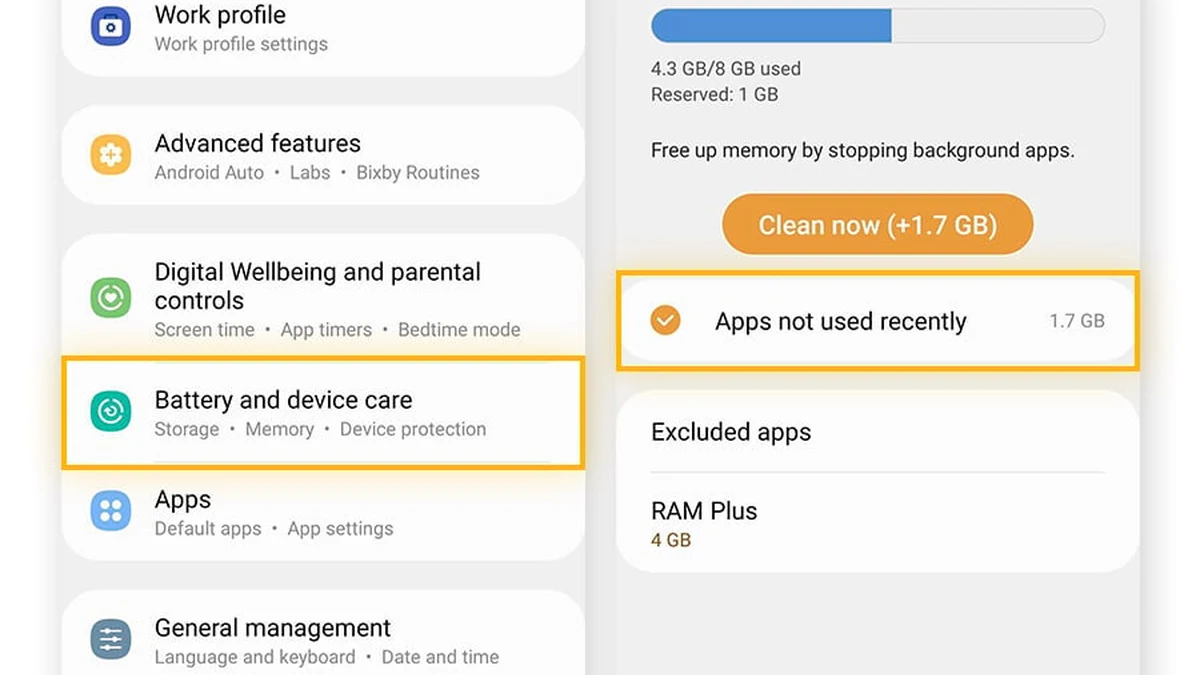
To resolve an app crash, start by performing a force-stop and cache purge: Navigate to your Android phone's Settings > Apps (or Application Manager) > F999 > Storage. Tap 'Clear Cache'. Do NOT click 'Clear Data' unless you want to re-enter your login credentials. After clearing the cache, restart your phone and launch the app again.
Freeing Up Background RAM
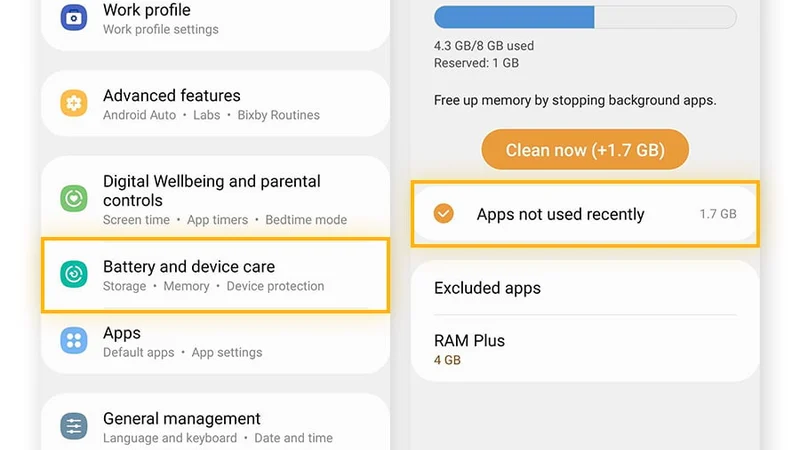
Close memory-heavy background applications (such as Facebook, TikTok, or YouTube) before launching F999, particularly on phones with 2GB of RAM or less.
Clean Reinstallation Protocol
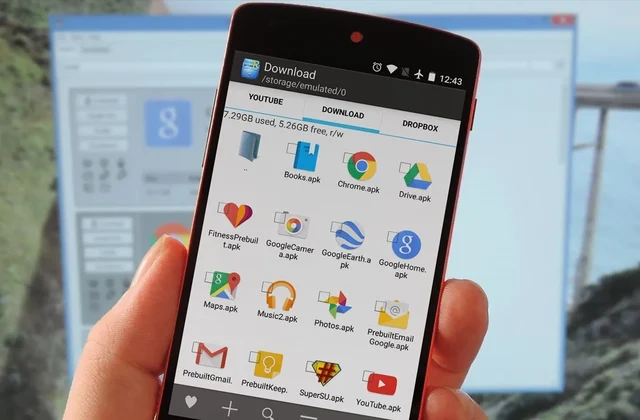
If crashes persist, uninstall the app, download the latest fresh APK build from f999play.net/app/apk-download/, and reinstall.
Fixing SMS OTP Verification Delays
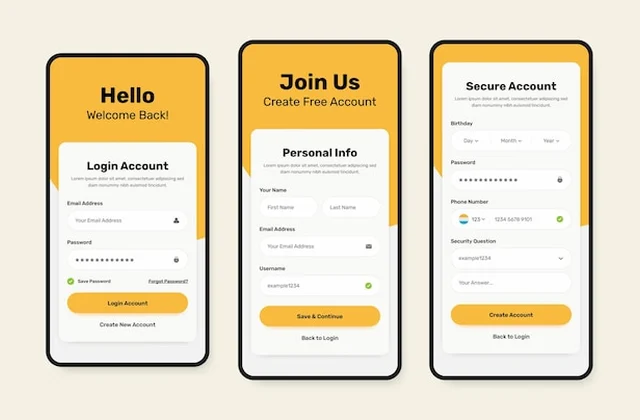
When registering or resetting your password, you receive a 6-digit One-Time Password (OTP) sent via SMS to your registered Bangladeshi mobile number. Under normal conditions, OTP messages arrive in 10 to 30 seconds.
However, during national holiday peaks, heavy cellular network congestion, or localized telecom maintenance on Grameenphone or Banglalink, SMS delivery can occasionally be delayed. If your OTP has not arrived within 60 seconds, follow these steps: - Ensure your phone is not in Airplane Mode and has at least two bars of signal. - Check your phone's SMS 'Spam & Blocked' folder, as some aggressive mobile spam filters automatically redirect messages from shortcodes. - Wait for the on-screen 60-second countdown timer to expire, then tap 'Resend OTP via Voice Call' or 'Resend SMS'.
Clearing Full SMS Inboxes
Older SIM cards have limited SMS storage. If your inbox is 100% full, delete old promotional messages to allow new verification codes to arrive.
Customer Support OTP Verification
If network congestion persists, contact our 24/7 live chat team. An agent can verify your identity through security questions and assist with account activation.
Bypassing ISP Domain Blocks & Network Timeouts
In Bangladesh, internet service providers (ISPs) and mobile network operators occasionally update their DNS filtering databases, which can cause temporary connection timeouts when accessing online gaming domains.
If f999play.net fails to load on your mobile data, you can easily bypass the issue using three verified methods: 1. **Use Our Official Working Mirror Domains:** F999 maintains an active network of official mirror links that are 100% unblocked and connect to the exact same database. 2. **Switch to Google Public DNS or Cloudflare 1.1.1.1:** Changing your phone's Private DNS setting to `one.one.one.one` or `dns.google` resolves 99% of ISP blocking issues instantly with zero speed loss. 3. **Use the Native Android APK:** The F999 APK includes built-in dynamic DNS routing, completely bypassing local browser DNS blocks.
Configuring Cloudflare 1.1.1.1 DNS on Android
Go to Settings > Network & Internet > Private DNS > Select 'Private DNS provider hostname' and enter `one.one.one.one`. Tap Save.
Avoiding Free Unverified VPNs
Avoid free, slow VPN apps that throttle your connection speed and inject intrusive advertisements. Our native APK and mirror links require no VPN.
Resolving 'Parse Error' During APK Installation
One of the most frequent errors reported by Android users when installing APK files is 'Parse Error: There was a problem parsing the package.' This error indicates that the Android operating system cannot read or unpack the APK file.
The three primary causes of parse errors are: - **Corrupted or Incomplete Download:** If your internet connection fluctuated while downloading, the 25MB file may be incomplete. Delete the file from your Downloads folder and download it again. - **Incompatible Android Version:** If your phone runs an outdated Android version below Android 6.0, the latest APK cannot install. Download our legacy build from the F999 old version archive. - **Third-Party Security Antivirus Interference:** Certain third-party antivirus applications block APK installation. Temporarily disable the antivirus during installation.
Enabling Installation from Files App
Ensure you grant permission to your phone's 'File Manager' app to install apps, rather than attempting to install directly from an unverified browser popup.
Checking Remaining Internal Storage
Android requires at least 100MB of free internal storage to unpack and execute APK installations.
| Technical Problem | Most Likely Cause | Immediate Action / Fix | Resolution Time |
|---|---|---|---|
| App crashes upon launch | Corrupted temporary cache or low RAM | Clear app cache in Android Settings > Apps > F999 | Under 1 minute |
| Blank white screen | Slow network handshake or CDN timeout | Switch between Wi-Fi and 4G data or restart app | Under 30 seconds |
| SMS OTP not arriving | Mobile operator shortcode network delay | Check spam folder, wait 60s, tap 'Resend OTP' | 1 to 2 minutes |
| 'Parse Error' on install | Corrupted download or incompatible OS | Delete corrupted file and redownload fresh APK | Under 2 minutes |
| Website won't open | ISP DNS filtering block on telecom | Use official mirror link or switch to 1.1.1.1 DNS | Under 1 minute |
| Login says 'Wrong Password' | Typo in password or Caps Lock enabled | Verify keyboard language or use 'Forgot Password' | Under 1 minute |
| Game stream buffering | High cellular latency on 3G network | Lower stream resolution to 720p or connect to 4G | Immediate |
Frequently Asked Questions
Related Guides in Mobile App & APK